Spreadsheet or fleet app: which should you choose?
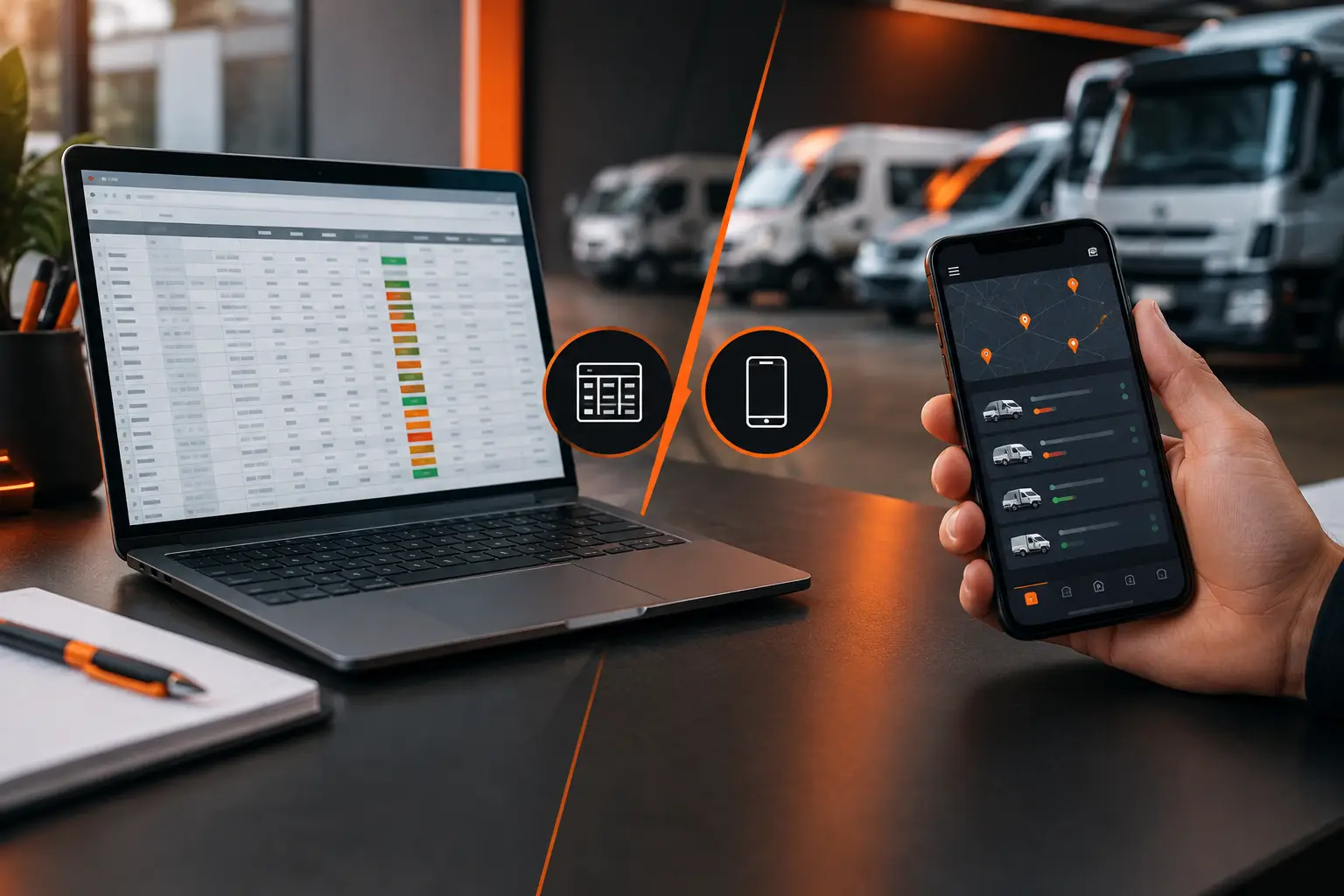
A fill-up with no record. A service scribbled on a note. A fine that arrives and nobody knows who had the vehicle. This is how fleet control starts to slip through your fingers. When deciding between spreadsheet or fleet app, the question isn't just where to store information. It's how to turn vehicle data into faster decisions, keep maintenance on schedule, and understand costs that actually make sense.
A spreadsheet might be enough in some situations. But as more vehicles, drivers, expenses, and maintenance deadlines pile up, it usually demands effort that most people can't sustain every day. The best choice depends on the size of your operation, how often you use it, and how much detail you need to track.
When a spreadsheet still works for your fleet
A spreadsheet is a familiar, accessible, and flexible solution. If you manage one or two vehicles and have the discipline to update it regularly, it can organize basic information like mileage, fuel, oil changes, insurance, and occasional expenses.
It also works well for simple comparisons. You can create columns for date, vehicle, expense type, amount, odometer reading, and supplier. With some practice, you can calculate cost per mile, spot expensive months, and track document renewals.
The advantage is the freedom to adapt the file to your routine. A small business can add fields specific to each operation. A professional driver can separate fuel, tolls, maintenance, and earnings. A household can use one tab per vehicle.
But that freedom has a price: someone needs to set up the structure, check formulas, enter every transaction, and remember to look at the file. When control depends on one person or one computer, outdated information becomes likely.
Where the spreadsheet starts to hold you back
The problem isn't the spreadsheet itself. The problem shows up when your routine moves faster than the file can keep up. A missed entry today can lead to a wrong decision by month's end, especially when maintenance and recurring expenses are involved.
In a fleet, records should happen close to when the activity occurs. The driver filled up? Record it right away. A vehicle's warning light came on? It needs to be linked to that vehicle's history. A service was done? The information should update the next reminder, without needing someone to manually review a table.
Manual updates create gaps
Spreadsheets are usually filled in later. Receipts sit in the glove box, mileage gets scribbled in a notebook, and expenses arrive via different messages. At week's end, someone tries to pull it all together. In that gap, amounts can be forgotten, entries duplicated, or assigned to the wrong vehicle.
There's also the risk of broken formulas and different versions of the same file. One person updates one copy, another uses an old version, and nobody knows which number reflects reality. For a small fleet, this already complicates control. For an operation with multiple drivers, it can compromise your entire cost picture.
Reminders rely on someone's memory
Oil changes, tires, preventive service, registration, and inspections can't depend on a cell nobody opened that week. A spreadsheet might show dates and mileage, but it usually won't alert you on your phone when a task is coming due.
The result is predictable: maintenance happens late, a vehicle sits idle when it shouldn't, and a simple repair becomes expensive. For those doing deliveries, transport, or field service, each idle day also means lost income.
Sharing isn't the same as collaborating
Sending a spreadsheet to drivers or staff seems simple, but it opens the door to accidental changes, confusion about how to fill it in, and lost context. Does the person who filled up know where to enter it? Can the person who did maintenance attach the right information? Can the fleet manager quickly see what's pending?
When data is scattered across files, messages, and receipts, your team wastes time looking for information that should be in one place.
What a fleet app changes in practice
A fleet app brings together your vehicle's history and daily operations in one place. Instead of relying on tabs, formulas, and personal reminders, you record what happened and see how that information affects your overall control.
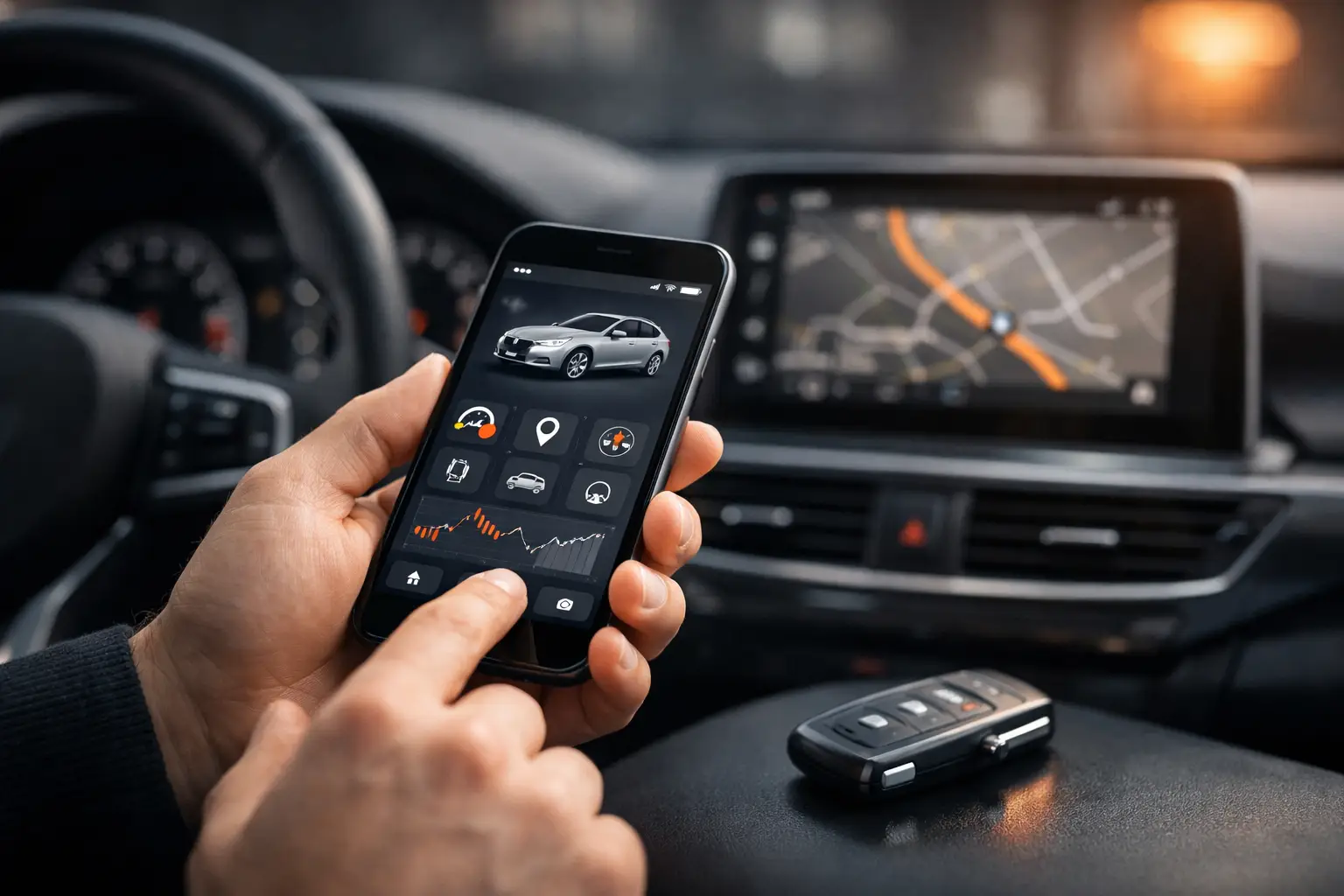
This doesn't eliminate the need for discipline. No tool fixes a fill-up that was never recorded. The difference is the process becomes simpler to execute and easier to follow. With a phone in hand, the driver can record expenses, mileage, and services as they happen.
Maintenance stops being just a list of dates. It becomes part of the vehicle's history, with records that show what's been done, what's coming up, and how much was spent over time. This context helps a car owner, but it's even more valuable for someone who depends on the vehicle for work.
An app also makes costs visible without building spreadsheet calculations from scratch. By recording fuel, maintenance, expenses, and when needed, revenue, it's easier to see how much each vehicle consumes and what its operating result really is.
For managers, another benefit is organized sharing. Vehicles, tasks, and records can be tracked by more than one person without control getting stuck in a file or one phone. Checklists also help standardize daily checks like tire condition, lights, documents, and safety items.
Spreadsheet or fleet app for each situation
The answer changes based on your operation. There's no universal choice, but there are clear signs that a spreadsheet has stopped keeping up.
For owners and families
If you have one car or motorcycle and log few expenses, a simple spreadsheet might work at first. Still, an app makes life easier when you want to avoid missing services, keep history organized, and understand what the vehicle costs per month.
This is especially helpful for households with multiple vehicles. Instead of hunting for receipts and trying to remember when the last oil change was, each vehicle keeps its own history, available whenever you need it.
For professional drivers
If you drive for rideshare, deliveries, taxi, or field service, you need to look beyond total spending. Fuel, maintenance, tolls, and other costs need to be measured against earnings to show whether the work is actually profitable.
Here, a spreadsheet might generate reports, but it takes time to build and maintain. An app cuts out that step and lets you check the numbers more often. That way you quickly spot whether increased consumption, recurring maintenance, or a less efficient route is hurting your bottom line.
For small fleets
When you have multiple vehicles and drivers, an app tends to be the practical choice. The challenge isn't just recording expenses anymore. It's coordinating people, pending tasks, and responsibilities.
A small fleet needs to know which vehicles are available, which need service soon, who made each entry, and which costs are concentrated in each unit. Centralizing this information prevents decisions made on guesswork or incomplete data.
How to choose without overcomplicating it
Before you decide, look at your actual routine, not just fleet size. A single vehicle used intensively for work might need more control than three cars used occasionally. Consider four things:
- Frequency of entries: if there are fill-ups, expenses, and trips every day, recording on your phone tends to prevent forgotten entries.
- Preventive maintenance: if you've missed deadlines or rely on manual reminders, notifications and a centralized history make a real difference.
- People involved: when drivers, family, or managers need to check data, organized sharing avoids conflicting versions.
- Cost visibility: if your question is "what does this vehicle really cost or earn?", you need information that connects to each other.
Also think about the level of detail you need. An operation might start with a spreadsheet and move to an app when entries start falling behind or when you lack information to decide. You don't have to wait for control to become a crisis to switch tools.
Make the switch without losing your history
If you've used spreadsheets for years, you don't need to abandon everything at once. Start by moving the most useful data: current mileage, recent service, recurring expenses, and documents with upcoming renewals. From there, log new events in one tool only.
Mine Garage was built for this kind of routine: gather maintenance, fuel, expenses, history, checklists, and cost tracking in one place. For someone who uses the vehicle every day or for work, that means less time hunting for receipts and more clarity before making a decision.
The best tool is one you can keep updated. If control fits in a spreadsheet and you're always on top of it, use it well. But when your routine demands speed, reminders, and a clear view of each vehicle, moving control to your phone might be the step that prevents the next missed service and shows you what your fleet actually costs.