How to Use a Vehicle Bluetooth Scanner Without Errors
The check engine light comes on and your first instinct is to rush to a mechanic? Before making impulsive decisions, learning how to use a vehicle Bluetooth scanner can help you understand what your car is telling you. In just a few minutes, you can read fault codes, monitor engine data, and record the diagnosis to compare with past maintenance and symptoms.
The scanner doesn't replace a mechanic's evaluation when there are serious failures, unusual noises, loss of power, or safety risks. But it keeps you from flying blind. For those who maintain their own vehicle, do delivery work, drive for a rideshare app, or manage vehicles for a small business, having this history makes faster decisions possible and reduces unexpected breakdowns.
What is a vehicle Bluetooth scanner
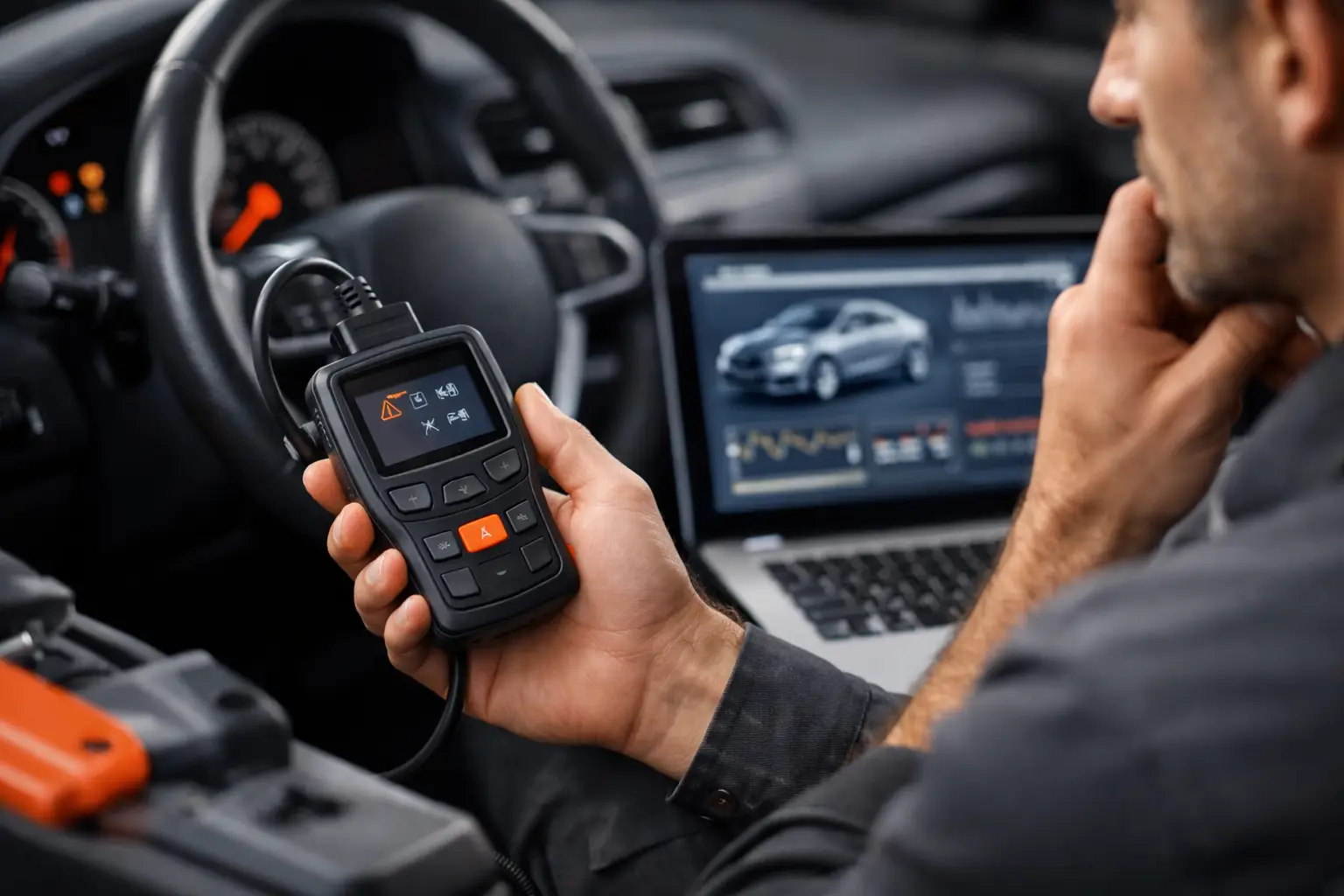
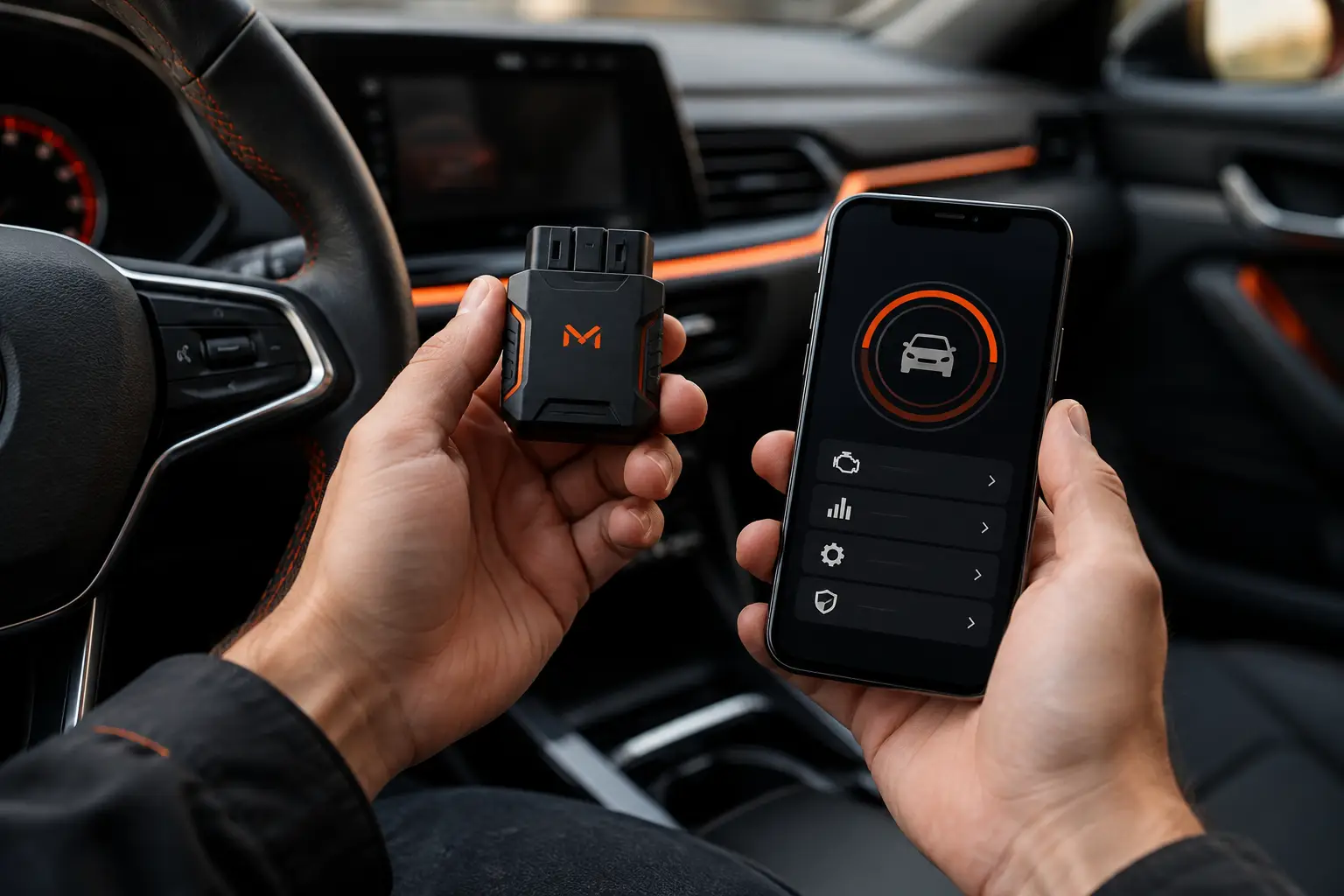
A vehicle Bluetooth scanner is a small adapter that connects to your vehicle's OBD2 port. This port gives you access to information sent by electronic modules, mainly data related to the engine, emissions, and some systems monitored by your car.
Once connected, the adapter sends information to an app on your phone via Bluetooth. On the screen, you can view diagnostic codes, clear alerts after a confirmed repair, and monitor readings like engine RPM, coolant temperature, speed, and fuel consumption, when your vehicle and app make this data available.
The main advantage is turning a generic dashboard light into a starting point. The check engine light, for example, can be related to several situations: a gas cap not closed properly, ignition failure, fuel mixture out of spec, or a sensor problem. The code isn't a definitive diagnosis, but it points your investigation in the right direction.
Before connecting: check compatibility
Most cars sold in Brazil since the mid-2000s use the OBD2 standard, but there are exceptions. Trucks, motorcycles, and older vehicles may use a different connector or have limited data access. Check your vehicle's manual, verify the port format, and confirm that the scanner is compatible with your car's make, year, and your phone's operating system.
It's also worth choosing a quality adapter. Very cheap models can have disconnections, unstable readings, or may not work well with all apps. If you plan to use the scanner frequently, especially in a work vehicle, reliability is more valuable than saving money on equipment that leaves you guessing with every connection.
The OBD2 port is usually located below the steering wheel, near the fuse box or steering column. On some models, it's behind a small cover. Don't force the connector: check the correct position before plugging in the adapter.
How to use a vehicle Bluetooth scanner step by step
The process is usually simple, but following the right sequence prevents connection failures and incomplete readings.
- With the vehicle off, plug the scanner into the OBD2 port. It should fit snugly with no play.
- Turn on the ignition. On many vehicles, just turn the key to the position where the dashboard lights come on. For real-time readings, you may need to start the engine.
- Enable Bluetooth on your phone and open an OBD2-compatible app. Some adapters require pairing in your phone's settings, while others are found directly by the app. Follow the scanner manufacturer's instructions.
- Select the adapter and wait for the connection. When connected, the app should identify your vehicle's protocol and enable code and parameter readings.
- Run a scan and record any codes found before clearing them. Also note the date, mileage, any symptoms you noticed, and whether the dashboard light was steady or flashing.
That last step makes a difference. Clearing a code before recording it can make it hard to track the problem. A fault that returns after a few days, for example, deserves more attention than an isolated alert caused by a temporary condition.
How to interpret codes without jumping to conclusions
OBD2 codes normally start with a letter followed by numbers. The letter indicates the general area: P usually refers to the powertrain, including engine and transmission; B relates to the body; C to the chassis; and U to communication between modules.
A code like P0301, for example, generally points to combustion failure in cylinder 1. This doesn't automatically mean the spark plug needs replacement. The cause could involve a spark plug, wire, coil, injector, air intake, fuel, or even engine compression. The scanner tells you where to investigate, not which part to buy.
That's why combine the code with your vehicle's behavior. Is there a loss of power? Does the engine stumble at idle? Has fuel consumption increased? Does the light only appear after refueling? These observations help you tell the difference between a one-time alert and a fault that needs professional diagnosis.
Pay special attention if the check engine light is flashing. On many cars, this can indicate severe misfires with a risk of catalytic converter damage. In this case, limit your vehicle use and seek technical evaluation. The scanner is useful for recording the event, but it's not a sign to keep driving as if nothing happened.
Does clearing codes solve the problem?
No. Clearing codes only removes the fault record and may temporarily turn off the dashboard light. If the underlying cause is still present, the module will detect the condition again and the alert may return after a few miles or driving cycles.
Use the clear codes function only after you've verified or corrected the likely cause, or when you need to confirm whether an isolated event happens again. After clearing the code, monitor your vehicle under normal driving conditions. If the alert comes back, record the new mileage and symptoms.
It's also common for some system monitors to take time to be ready again after clearing. This can affect inspections and electronic checks. So don't clear codes just to hide a light before selling your vehicle or having it inspected. Besides not fixing the fault, it erases a history that may be important for safety and maintenance.
Use the data to take better care of your vehicle
The scanner's best results appear when the data doesn't stay lost on a screen. A fault code gains context when you know what the mileage was, when spark plugs were last changed, whether there was recent refueling, what repairs have been done, and how much that repair cost.
In Mine Garage, OBD2 diagnostics can be part of your vehicle's central history alongside fuel fill-ups, services, expenses, and reminders. This way, a recurring fault stops being a vague memory and becomes comparable information. For a professional driver, this helps identify when maintenance is affecting cost per mile. For a family or small fleet, it makes it easier to share the history with anyone else who uses or cares for the vehicle.
You don't need to monitor every sensor on every trip. Start with what's useful for your routine: active codes, engine temperature, recurring alerts, and fuel consumption behavior. Heavy drivers can spot trends and relate them to expenses. City drivers can focus on preventing an ignored light from turning into an expensive breakdown.
Common mistakes when using a scanner
The most frequent mistake is treating the code as a verdict. Changing parts by trial and error can be expensive and won't fix the cause. Another problem is using an app that doesn't recognize your adapter or vehicle well, creating the impression that no data is available.
Also avoid leaving the scanner connected permanently if your model uses power even when the car is off. On some vehicles, this can contribute to battery drain during long periods of sitting. Remove the adapter when not in use, unless you know it enters a low-power mode and your car cuts power to the port.
Finally, don't ignore physical signs just because the scanner didn't show a code. Metallic noise, fuel smell, smoke, overheating, leaks, strong vibration, and difficulty braking need immediate attention. Not every defect generates an OBD2 code.
A Bluetooth scanner is most useful when it becomes part of a simple routine: read the alert, record what happened, compare it to your history, and act at the right time. With this approach, you stop reacting only when something fails and start caring for your vehicle with more information, predictability, and control.