Dashboard Alert Guide: Act Without Delay
A light comes on your dashboard while you're in traffic, before a delivery, or heading out for a trip. Ignoring it can turn a simple warning into an unexpected breakdown, but stopping your vehicle without understanding the signal also creates unnecessary worry. This dashboard alert guide helps you recognize how urgent each warning is, make the right decision, and keep your vehicle's history organized.
The dashboard doesn't just show failures. It also tells you that certain systems are active, asks for preventive attention, and indicates when there's a risk in continuing to drive. The key point is not to treat all dashboard lights the same way.
How to Read Dashboard Alerts by Color
Color is your first clue for deciding what to do. Although symbols can vary between manufacturers and models, the logic is usually similar.
Green or blue lights normally indicate that a feature is working or activated. High beam, fog lights, and cruise control are common examples. These don't represent a failure, but it's worth knowing what's on so you don't drive with a system running when you don't need it.
Yellow or orange lights ask for your attention. In many cases, your vehicle can still move for a short period, but the problem needs to be checked as soon as possible. It could be low tire pressure, a recorded engine fault, or scheduled maintenance due. Putting it off without reason increases the chance of higher costs and wasted time later.
Red lights demand immediate action. They can signal insufficient oil pressure, overheating, brake system failure, or a problem with battery charging. Slow down, find a safe place, and stop when you can do so safely without creating a risk for yourself or other drivers. Continuing to drive just to "get home" can damage your engine or put safety at risk.
Dashboard Alert Guide: Signals That Deserve Priority
Not every lit icon has the same severity. These are the alerts that call for quick decisions in your daily driving.
Engine Oil
A red oil can symbol generally isn't a reminder to change your oil. It usually points to low oil pressure in the lubrication system. Without proper lubrication, internal engine parts work with excessive friction and can suffer serious damage in a short time.
Stop in a safe location, turn off the engine, and check your vehicle's manual before any inspection. Checking the oil level may be necessary, but topping off the level won't solve every case. A clogged filter, a leak, or a failure in a system component can also trigger the alert. Don't continue driving if the light stays on.
Engine Temperature
The temperature alert, usually shown as a thermometer over waves, means your engine may be overheating. Vapor from under the hood, a sweet smell, or a loss of power make the situation even more urgent.
Turn off the air conditioning, stop safely, and let the engine cool. Never open the coolant reservoir cap while everything is hot: there's a risk of burn from pressure and high-temperature fluid. Afterward, record what happened, the mileage, and any signs you noticed. This information helps you figure out whether it was a one-time event or a pattern.
Brake System
A red brake light might come on because the parking brake is engaged. If it's fully released and the alert continues, there could be low brake fluid or a system failure.
If the pedal feels too low, too hard, spongy, or if the vehicle pulls to one side while braking, don't treat the warning as something that can wait. Driving with compromised brakes puts everyone on the road at risk. The priority is to stop and have the vehicle checked safely.
Battery and Charging System
The battery icon doesn't necessarily mean the battery is dead. With the engine running, it usually points to a failure in the system that recharges the battery, such as the alternator, belt, or connections.
Your vehicle may keep running for a while using the available charge, but it could shut off without warning once that energy runs out. Reduce the use of electrical equipment that isn't essential, find a safe location, and avoid turning a quick trip into an unexpected tow.
Fuel Injection or Engine Light
The yellow engine light, known as check engine, needs context. If it's on steadily and your vehicle is running normally, there may be a fault that needs diagnosis, but without immediate risk. Still, don't let weeks pass: higher fuel consumption, loss of performance, and emissions out of spec can go with this alert.
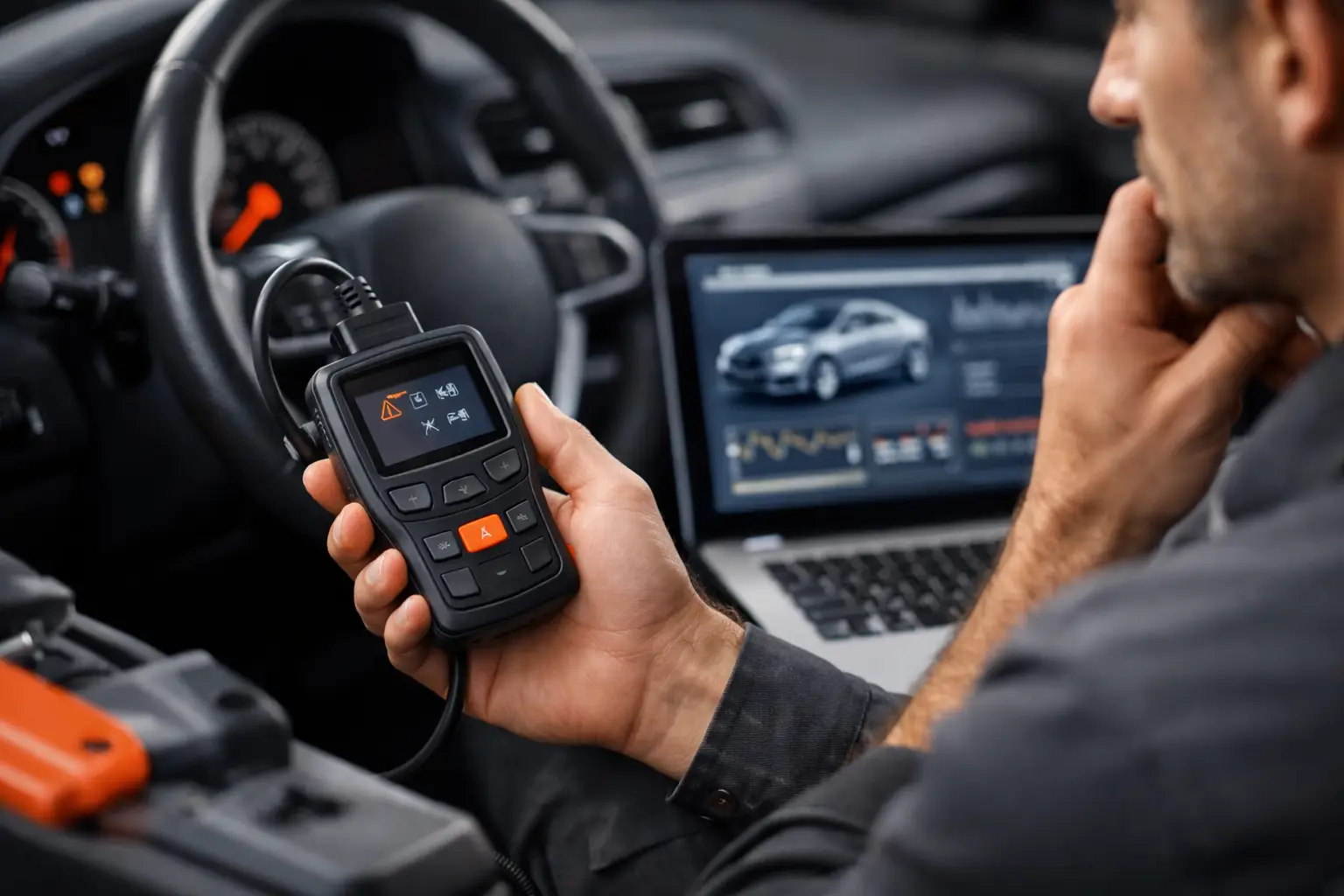
If the light is flashing, the situation is usually more serious. There could be a combustion failure capable of damaging other components. Reduce engine load, avoid hard acceleration, and stop as soon as it's safe. On compatible vehicles, an OBD2 scan can give you useful codes to understand the source of the problem, but the code is a starting point, not a final diagnosis.
Tire Pressure
The tire pressure alert is usually yellow and looks like a tire with an exclamation mark. It can indicate a flat tire, a slow leak, a temperature change, or the need to recalibrate the system after adjusting pressure.
Don't wait for the tire to look noticeably flat. Driving below the recommended pressure increases wear, worsens fuel consumption, and affects stability, especially when your vehicle is loaded or on wet pavement. Check your tires when cold and use the pressure recommended by the manufacturer for your driving conditions.
What to Do in the First Minutes After an Alert
The best response isn't to speed up to get where you're going or to pull over anywhere. Take note of the color and symbol, notice if there are changes in steering, braking, temperature, noise, or performance, and find a safe spot to stop when the alert signals urgency.
Then check your vehicle's specific manual. Two vehicles might use similar icons for situations with different guidance. Take a photo of the dashboard if the warning appears and then disappears, especially when there's noise, smell, a leak, or loss of power. This record prevents vague descriptions and makes later evaluation easier.
It's also worth noting the date, mileage, fuel used recently, and what happened before the light came on. For people who do delivery work, ride-sharing, or field service visits, including the impact on your operations helps you calculate the real cost of a breakdown. For a family or small fleet, this habit builds a history that doesn't depend on one person's memory.
Turn Alerts Into Tracked Maintenance
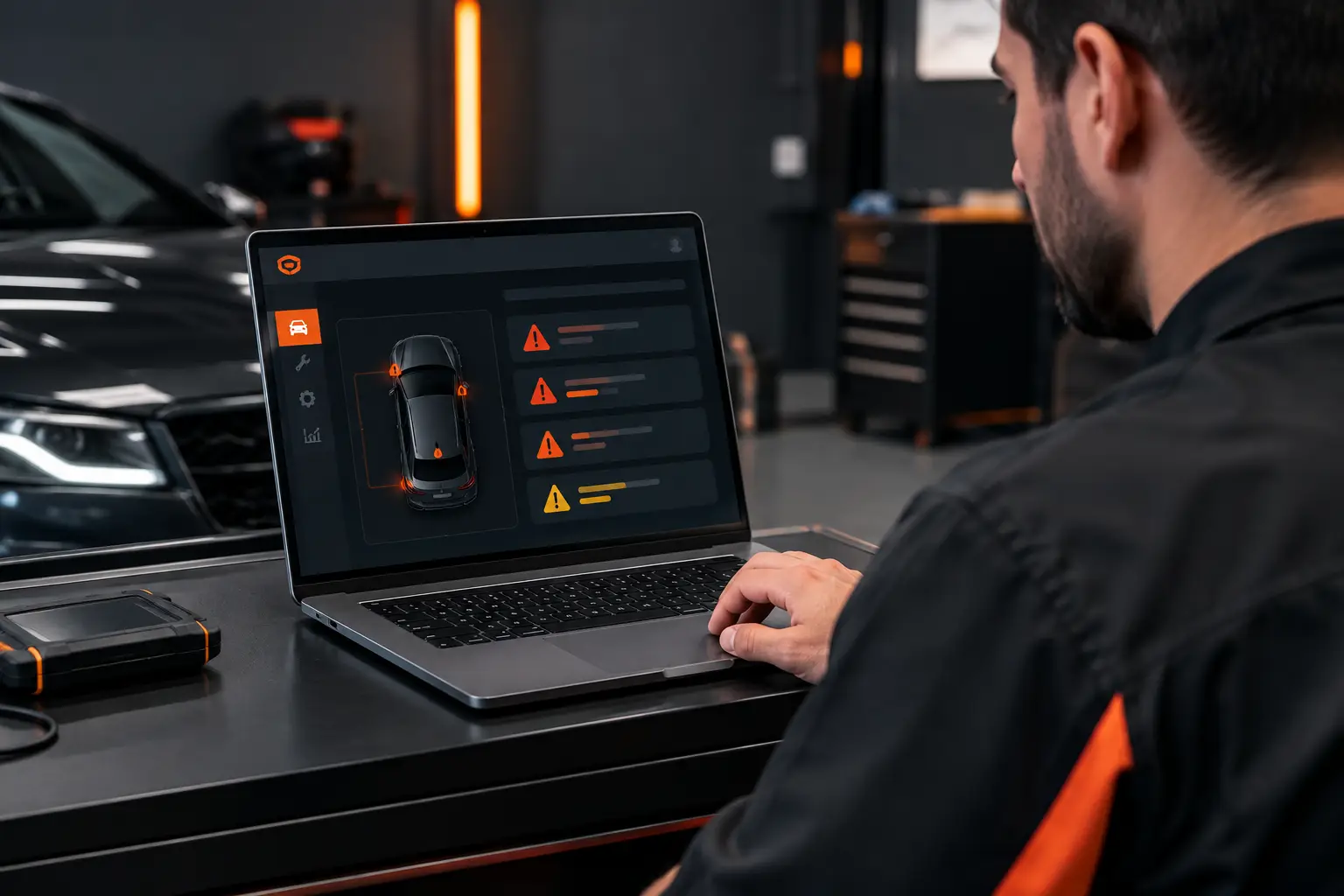
Clearing a light without understanding the cause isn't the same as solving the problem. After each alert, record the diagnosis, the action taken, the parts involved, and the mileage. This way, you can compare incidents and notice, for example, if a fault comes back after a certain service or usage interval.
Mine Garage helps you keep this history alongside maintenance records, expenses, refueling, and mileage all in one place. Instead of hunting for a lost photo on your phone, a crumpled receipt, or an old conversation, you keep your vehicle's information in one spot and set reminders for the next care.
This makes a difference for different profiles. Someone who drives daily can avoid missing scheduled service and track unexpected costs. Professional drivers can separate a mechanical issue from routine operating costs. And anyone managing vans, motorcycles, or shared vehicles gains clarity about what happened with each one and when to take action.
Not Every Alert Calls for the Same Response
A maintenance reminder can be handled by scheduling the next service. A tire warning calls for inspection and checking pressure. But oil, temperature, and brakes may mean your vehicle needs to stay parked. The difference lies in assessing the risk, not just trying to make the light go away.
Knowing dashboard alerts doesn't replace a professional inspection when there's risk or doubt. But it puts you in control of the first decision: stop, observe, record, and act before a small warning becomes an expensive problem. The best time to care for your vehicle is when it's still warning you, not when it's already left you stranded.