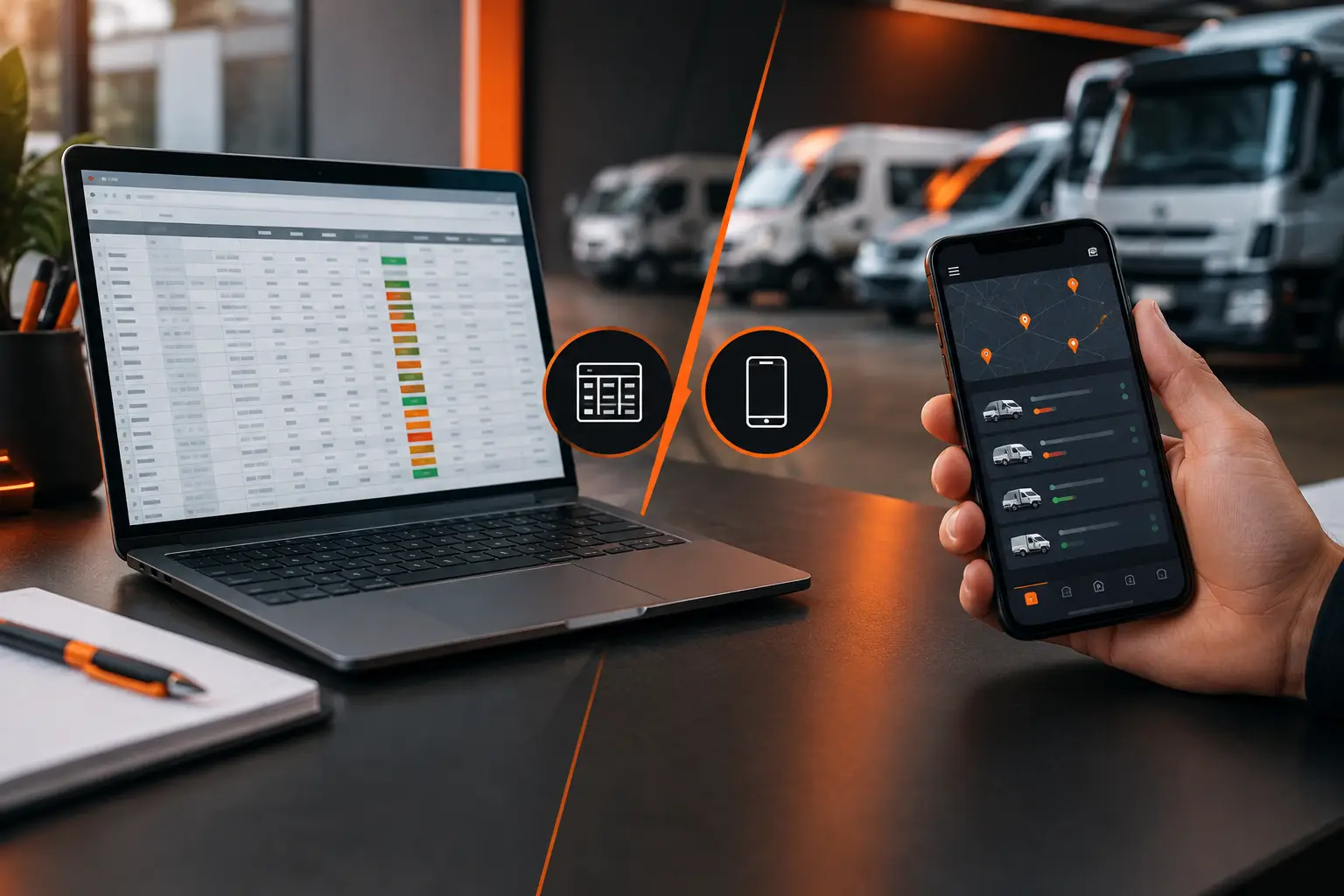
App versus spreadsheet for vehicle expenses

A missed oil change, a fuel purchase without a receipt, and a maintenance note scribbled on a tab no one opens for months. That's how vehicle expense tracking usually falls apart. When comparing app versus spreadsheet for vehicle expenses, the best choice isn't just about preferring your phone or computer. It depends on how much your vehicle is part of your daily routine, your work, and your budget.
A spreadsheet can work fine if you log only a few data points and enjoy building your own calculations. An app, on the other hand, usually makes more sense when expenses, maintenance, mileage, documents and reminders need to stay connected. The point isn't to abandon one tool for the sake of fashion. It's to use a system you can actually keep updated and check when you need to make a decision.
App versus spreadsheet for vehicle expenses: what changes in practice?
A spreadsheet starts simple. You create columns for date, category, amount, mileage and notes. Then you add up the month's values and try to figure out where the money went. For a single vehicle used occasionally, this method might be enough, especially if you're already disciplined and comfortable with formulas.
The problem emerges when your records stop being purely financial. Maintenance doesn't happen just because a new month arrived: it might depend on a date, mileage, or both. The same goes for document renewals, tire changes, insurance, or inspections required in certain regions. A spreadsheet records that something happened, but it typically requires you to remember to check what's coming up.
A vehicle management app organizes this information in the context of the car, motorcycle, van or truck. When you log a fill-up or charge, for example, the user can link the cost to mileage and track consumption. When you enter a service, it creates a history that answers a simple but valuable question: when was this last done?
This difference seems small until the day you need to find an old expense, compare months, or prove the maintenance you performed before selling the vehicle. The value isn't just in the record. It's in finding that record without digging through multiple files, receipts and conversations.
When a spreadsheet is still a good choice
A spreadsheet isn't an outdated tool. It offers flexibility for those who need custom categories, scenario modeling, or combining vehicle data with household or business budgets. It's also useful for one-off analysis and personalized reports, especially if you already know your way around formulas and tables.
It can be a practical option if you own one vehicle, drive infrequently, log expenses once a month, and don't need alerts. In that case, opening a file on your computer and updating the numbers at your leisure might do the job.
But this choice requires consistency. You need to manually enter every fill-up, receipt and service, keep formulas correct, save updated versions, and remember to check deadlines. A single cell filled in wrong can distort your monthly costs. A forgotten column can hide the fact that maintenance is eating more of your budget than it should.
There's also the access question. If the spreadsheet lives on a desktop computer or sits awkwardly on your phone, entries often get pushed back. And "later" frequently turns into an estimate made at month's end, when you can no longer remember the amount, mileage, or reason for that expense.
Where the app makes the biggest difference
An app is most useful when tracking needs to follow your vehicle wherever it goes: in the garage, at the pump, at the shop, on the road, or in the parking lot. Logging an expense on your phone the moment it happens cuts down on memory gaps and prevents paper pileup.
For drivers on the road every day, the biggest gain is usually predictability. Maintenance reminders and renewal deadlines help ensure an oil change, service, or important document doesn't slip past its due date. A centralized history makes it easy to see what the vehicle cost over a period without mixing recurring expenses with unexpected ones.
For those who use a vehicle to make money, tracking needs to go beyond total expense. A delivery driver, rideshare operator, or field service provider needs to compare costs against income, distance traveled and cost per mile. Without that view, it's easy to confuse money coming in with actual profit.
Small fleets face another layer of complexity. When more than one person uses different vehicles, an individual spreadsheet breaks down fast. You need to know who recorded the expense, which vehicle got serviced, what's pending, and which costs repeat. Features like sharing, checklists and web access can turn scattered information into organized operations.
In Mine Garage, for example, expenses, fill-ups, charges, maintenance, documents, trips and mileage can all live in the same vehicle history. This eliminates the need to build a separate spreadsheet for each type of record and still lets you export data to Excel when you need a custom analysis.
The hidden cost of manual tracking
When comparing app versus spreadsheet for vehicle expenses, it's worth looking beyond the tool's price tag. Real cost also includes time, missed entries, and decisions made with incomplete data.
Say you want to know whether it's worth keeping an older car. A spreadsheet might show maintenance costs, assuming you logged and categorized everything correctly. An app with organized history can show those same records alongside mileage, service intervals, and cost per mile. The second format doesn't decide for you, but it makes the conversation with your numbers clearer.
The same applies to fuel and energy. One expensive fill-up doesn't reveal much. But several entries linked to distance traveled show consumption patterns, price fluctuations, and potential changes worth attention. For hybrid and electric vehicles, logging charges also helps you understand driving costs more fully.
There's one more critical limit: no system works if data never gets entered. The best app doesn't help if you log sporadically, and the most detailed spreadsheet doesn't help if it's forgotten in a folder. That's why the right tool is one that cuts friction. If recording takes seconds and becomes part of your routine, tracking quality improves.
How to choose without complicating your routine
Instead of asking which tool is universally better, start with the right questions. Do you just want to sum monthly costs or also need reminders for services? Do you track one vehicle or several? Do you use the vehicle to make money? Do you need to log everything on your phone at the moment of expense? Do you want to track cost per mile, consumption, and profitability?
If your goal is occasional financial review and you enjoy customizing formulas, a spreadsheet can remain your foundation. Keep categories clear, record mileage in every relevant expense, and build a fixed routine to review the file. Without routine, even the best structure loses value.
If you want to act before forgetting maintenance, check history anywhere, and understand costs without building formulas, an app offers a more direct experience. It's especially useful if you drive daily, manage vehicles across a family, or depend on them for work.
A combination can also work. The app becomes your daily operational record, while exporting to Excel serves custom analysis, internal reporting, or planning. In this case, each tool does what it does best: the app keeps history live; the spreadsheet digs into numbers when you need it.
The best tracking is the kind that helps you act
Spreadsheets excel at organizing data. Apps are strong at turning records into routine. The decision becomes simpler when you stop thinking only about where to type a number and start thinking about what you need to see next.
If your vehicle is an important part of your life, work, or business, treat each entry as information that could prevent a delay, explain a cost, or support a better decision. Start with a method you'll actually use tomorrow, at the next fill-up, or at the next service appointment.