Vehicle maintenance app: never miss a service again
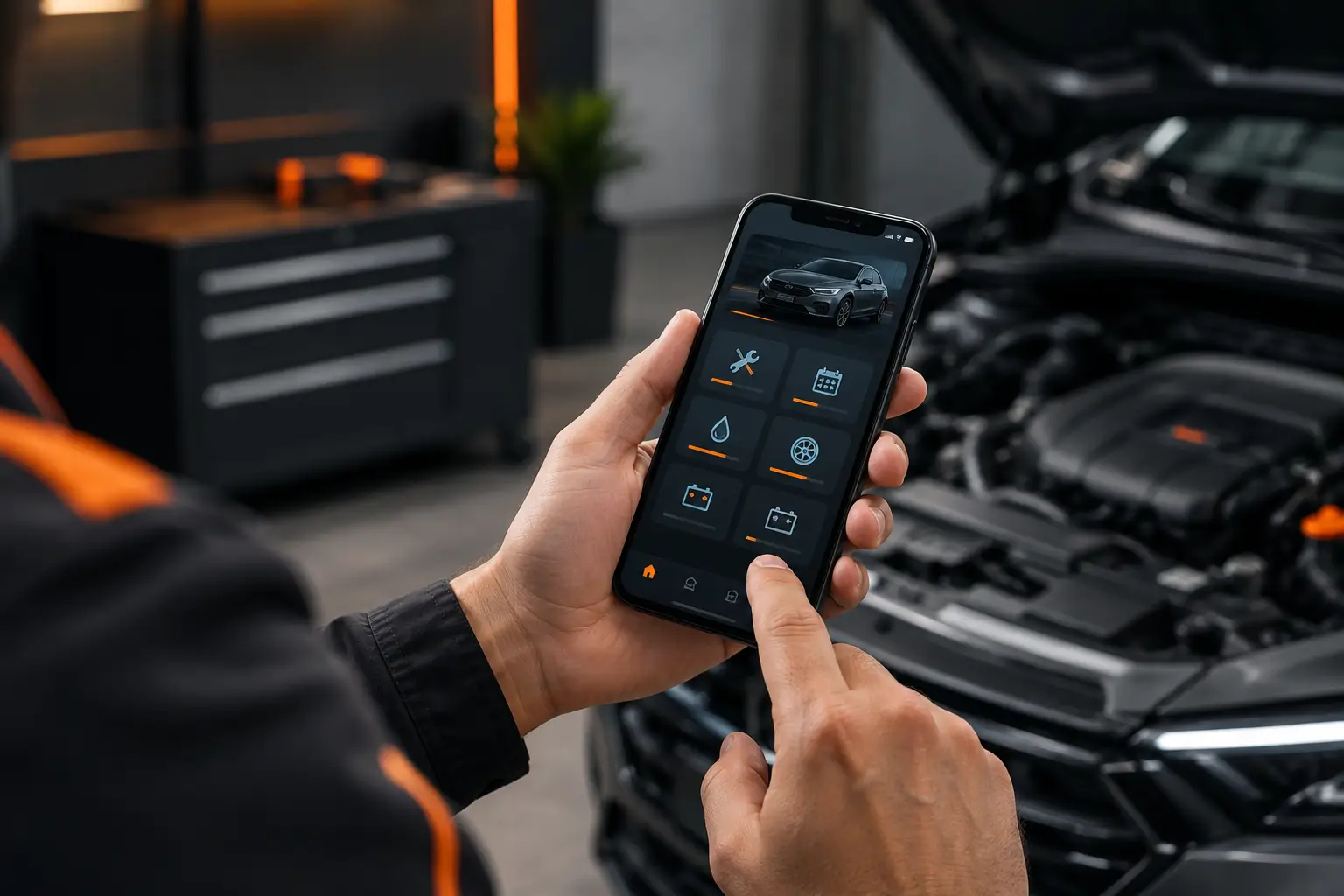
The service light comes on, a tire starts losing pressure, or your car makes an unfamiliar noise. Then the question hits you too late: when was the last maintenance? A vehicle maintenance app solves this problem by bringing together history, reminders, mileage and expenses in one place. Instead of relying on memory, papers in your glove compartment, or half-remembered conversations with the mechanic, you get a clear record to guide your next decision.
This matters whether you're passionate about cars or not. It matters if you need to get to work without breakdowns, if you ride a motorcycle for deliveries, or if you manage vehicles for a small business. Staying on top of maintenance means avoiding delays, reducing surprises, and protecting your vehicle's value over time.
What a vehicle maintenance app really needs to do
The best app isn't the one with the most screens or technical terms. It's the one that quickly answers the questions that actually matter: what was done, when it was done, what it cost, and what needs attention now.
It starts with registering each vehicle. With model, license plate, odometer and basic information organized, every fuel-up, service, or expense gets tied to the right vehicle. This prevents a common mistake in households with multiple cars or businesses with vans, motorcycles and pickup trucks: mixing up information and losing track of what happened where.
Then comes the history. Oil changes, wheel alignment, tires, brake pads, battery, belts and regular services stop being isolated events. They form a timeline. When you review this record, it's easier to spot patterns, verify what's already been done, and talk with more confidence at a repair shop.
A good app also tracks reminders by both date and mileage. Oil changes, for example, depend on both. If you drive infrequently, you might need to watch the calendar. If you spend your days on the road, you'll probably hit the mileage target first. The reminder should match your vehicle's actual use, not just an arbitrary calendar date.
Maintenance isn't just one expense
Many drivers know what a service costs, but they can't say what their vehicle actually costs them per month. That gap seems small until fuel, parts, insurance, parking, and repairs start adding up in your budget.
Recording expenses alongside maintenance changes the picture. Instead of looking only at a service invoice, you see your true cost of ownership. You can compare months, spot unusual spending, and notice when a vehicle is demanding more attention than it should be.
For a rideshare or delivery driver or self-employed professional, this tracking is even more direct. The vehicle is a work tool. Without recording fuel, maintenance, fees, and income, it's hard to know whether a busy week actually made money or just put extra wear on your car or motorcycle.
The math doesn't need to be complicated. When you log entries consistently, the app transforms everyday data into useful information: cost per mile, average fuel consumption, recurring expenses, and results per vehicle. Suddenly, a decision like scheduling maintenance early stops looking like just an expense and starts looking like a way to keep your operation running.
How to build a history that actually helps
A complete history doesn't mean digging up every receipt from the last ten years. Start with what you know today: current mileage, when the oil was last changed, tire condition, the date of the last service, and any recent work. From there, every new entry improves your records.
When you add maintenance, include the date, mileage, what was done, and the cost. If parts were replaced, note which ones. A short note can also be helpful, like "vibration gone after wheel balancing" or "battery replaced due to starting issues." Those details matter when the same symptom returns months later.
Storing receipts in your digital record also saves time hunting for papers if you need to prove a service, check a warranty, or get the vehicle ready to sell. A well-maintained history shows care and proves that maintenance wasn't left to chance.
There's an important balance here. Recording every tiny detail can help if you're enthusiastic or working with tight budgets, but it can't become a chore. For personal use, focus on maintenance, refueling, and significant expenses. For business use, it's worth adding income, fees, and operating costs. The level of detail should match your purpose.
Different tracking for different drivers
For everyday commuters
The priority is usually not forgetting deadlines and avoiding unexpected repairs. Service reminders, oil changes, tire checks, and registration tracking help keep a simple routine. The history is also valuable for families sharing a vehicle: anyone authorized can see what's been done and what's pending, without depending on one person remembering everything.
For professional drivers
If you spend hours on the road, you need to look beyond the next service. Fuel, mileage, maintenance, and income all belong in one view, because they all affect your bottom line. When fuel consumption rises or a repair bill repeats, your records let you investigate early, before a cost becomes a bigger problem.
Daily checklists are worth using too. Checking tires, lights, oil level, documents, and basics takes just a few minutes but can prevent a breakdown in the middle of a ride, delivery, or client visit. It doesn't replace professional inspection when something's wrong, but it builds a preventive mindset.
For small fleets
In a small fleet, missing information usually shows up as scattered messages, outdated spreadsheets, and vehicles down without context. Centralizing records lets you track each unit's status, divide responsibilities, and know who logged what.
Sharing needs to be practical and controlled. A manager can monitor expenses and upcoming maintenance, while drivers log fuel, mileage, and daily observations. This improves communication without forcing everyone to share a phone or rely on scraps of paper.
Diagnostics help, but they're not a substitute for maintenance
Some apps offer OBD2 integration to read your vehicle's data and error codes. It's a useful feature, especially if you want to understand why a light appeared or log a code before you see a technician.
But diagnostics aren't permission to delay a problem. A code points to an area that needs attention, but it doesn't identify the cause or solution on its own. Strange noises, loss of power, overheating, brake problems, or any sign of risk needs proper evaluation. The app helps you arrive prepared, but safety comes first.
Choosing the right app
Before installing an app, think about what you actually need to track. If your only goal is remembering an oil change, an overly complex app might turn you off. If your vehicle generates income or is part of a fleet, simple reminders might not be enough.
Look for an app that lets you log maintenance, fuel, expenses, and mileage without unnecessary steps. Check whether it works on your phone and also on the web, in case you prefer to review data on a larger screen. Features like per-vehicle history, statistics, checklists, sharing, and cost tracking become more valuable as your needs grow.
Mine Garage was designed to bring together these controls in a single record, whether you're caring for a family car, tracking a work motorcycle, or organizing vehicles for a small business. The idea is simple: less lost information and more clarity about each vehicle's condition and costs.
Start by logging your next service or refuel. That small habit builds a history that, within weeks, helps you remember better, spend more wisely, and drive with more confidence.