OBD2 Scanner Review: Which One Is Worth It?
The check engine light comes on, your car seems fine, and the doubt sets in: is this something simple or a problem that needs immediate attention? A good OBD2 scanner review starts right here. The device can show fault codes and vehicle data in minutes, but its real value depends on knowing what it can tell you, what it can't solve on its own, and how to turn the reading into useful history.
For drivers who want to take better care of their vehicle, an OBD2 scanner can be a practical tool. For those working in delivery, rideshare, or managing a small fleet, it also helps log issues and track warning signs before an unexpected breakdown disrupts operations. Just don't expect a cheap adapter to replace a professional evaluation when there are serious symptoms.
What an OBD2 scanner does in practice
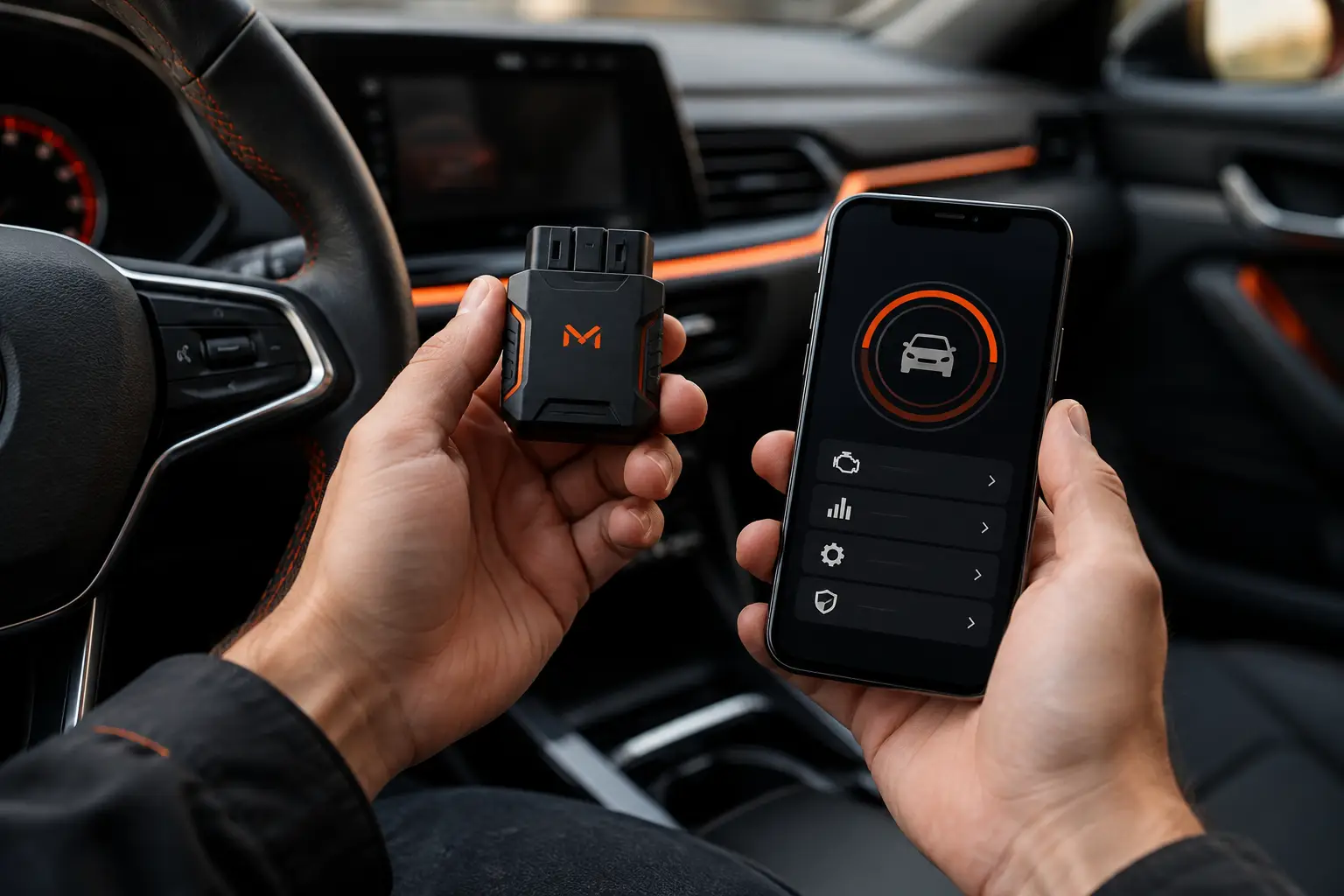
OBD2 is the diagnostic standard found in most cars, vans, and other modern vehicles. When you connect a compatible scanner to the diagnostic port, usually located below the dashboard, the app or reader can access fault codes stored in the electronic modules and display some real-time data.
In practice, this means finding out why an engine-related warning light was triggered, tracking parameters like RPM, coolant temperature, speed, battery voltage, and estimated fuel consumption when the vehicle provides this data. The amount and type of information vary by make, model, year, engine type, and scanner used.
The code isn't a final verdict. It points to a circuit, sensor, or condition that the system found outside normal range. A code related to fuel mixture, for example, can stem from more than one cause. The reading helps you start the investigation with more context, but it doesn't confirm on its own which part needs replacing.
This distinction prevents two common mistakes: ignoring an alert because the car still runs fine, or buying parts through trial and error. The scanner organizes your conversation with the mechanic and gives you a solid reference for what was found.
OBD2 Scanner review: what to evaluate before buying
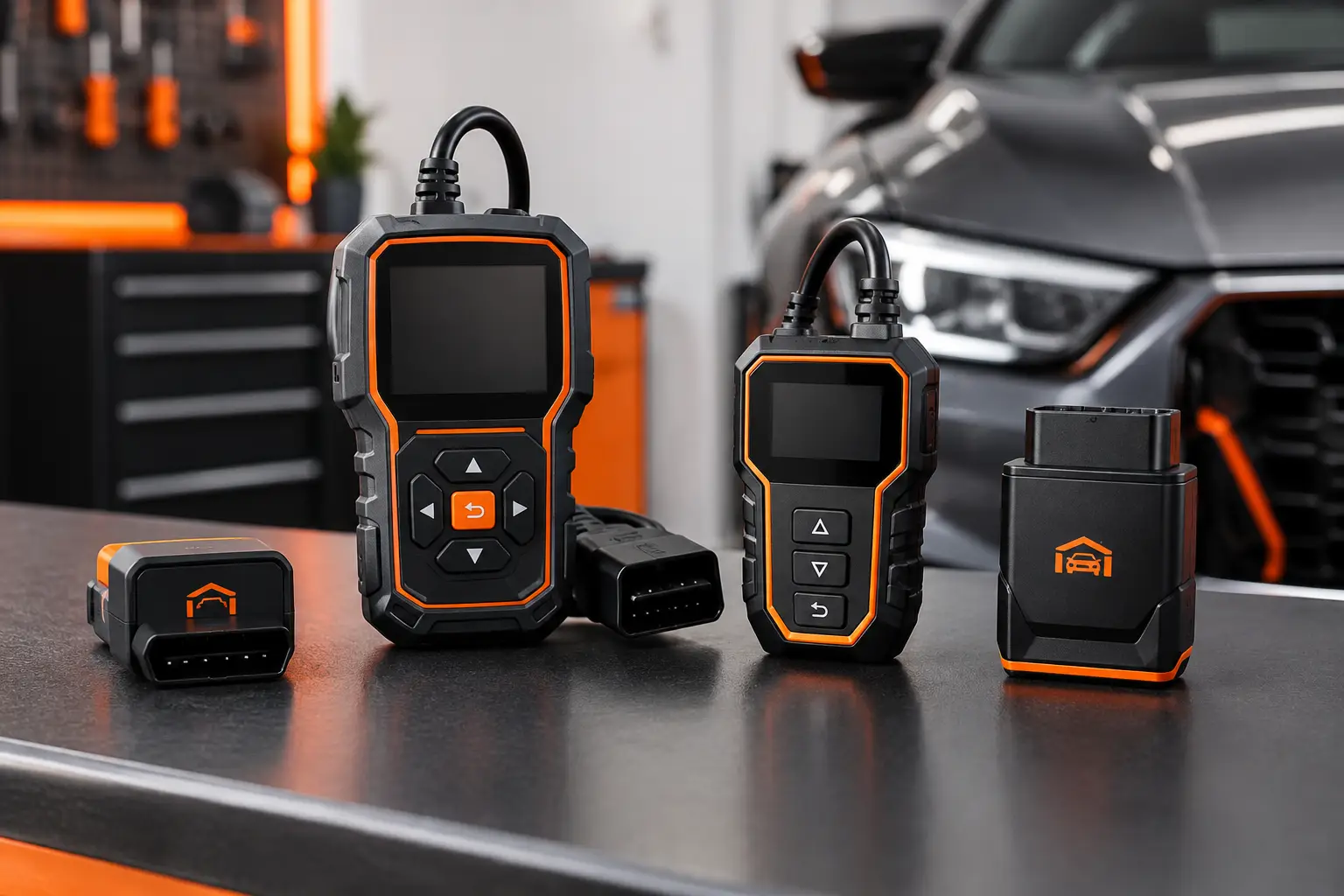
The best OBD2 scanner isn't necessarily the one that promises the most screens and graphs. For most drivers, the choice should start with real use. If you just want to read and clear basic codes, check engine data, and keep a record, a reliable Bluetooth adapter with a compatible app usually works well. Those who frequently do diagnostics may need a dedicated tool with broader module coverage and specific functions.
Compatibility comes before anything else. Check whether the scanner works with your phone, if the app is available for your operating system, and if it clearly supports your vehicle's protocol. On older cars, imports, or those with manufacturer-specific systems, coverage may be limited. Electric and hybrid vehicles may also provide different data than combustion-engine cars.
Connection type is another factor in daily use. Bluetooth adapters are convenient because they let you use your phone screen and save data to the app. Wi-Fi models may be necessary on some devices but can temporarily interfere with your phone's internet connection. Readers with their own cable or screen avoid depending on another device, though they usually offer less flexibility for recording and comparing readings over time.
It's also worth checking the build quality and manufacturer reputation. Very cheap adapters can disconnect during reading, be slow to respond, or show inconsistent data. Equipment that stays connected to the port for long periods should be used carefully, as some models draw power even when the vehicle is off. For occasional use, unplugging the scanner after reading is a simple precaution.
Live data is useful, but needs context
Watching numbers change on screen is interesting, but the benefit appears when you have a practical question. Is the temperature rising more than usual? Has battery voltage dropped? Did consumption change after maintenance? Is there an intermittent fault that shows up under certain driving conditions? Live data can help you spot patterns, especially when combined with mileage, date, and symptoms reported by the driver.
Still, there's no universal value that indicates a problem for each parameter. Temperature, RPM, and consumption vary with traffic, weather, load, driving style, and vehicle type. Comparing your car with itself under similar conditions usually works better than hunting for generic rules online.
For work vehicles, this monitoring can support simple decisions. If a van starts showing logged faults along with worse consumption and more breakdowns, there's reason to schedule a check sooner. The goal isn't to turn the driver into a mechanic, but to make sure important information doesn't get lost between one trip, one delivery, and the next service.
Reading and clearing codes is not the same as solving the problem
Many scanners let you clear codes and turn off a warning light after reading. This can be useful after a confirmed repair, to check if the fault returns. But clearing the code before understanding the cause can temporarily hide a problem and lose information that would help with diagnosis.
If the light comes back, if the vehicle loses power, misfires, overheats, has unusual smells, or shows any behavior that affects safety, the right move is to stop pushing the vehicle and get proper evaluation. The scanner should guide your next step, not encourage you to keep driving recklessly.
It's also normal to find historical or pending codes. They may record a condition that happened once and didn't return, or indicate a developing fault. Note the mileage, conditions when it appeared, and whether there were symptoms. This context can matter more than just a string of letters and numbers.
Turn the reading into vehicle history
The biggest limit of using a scanner alone is that information stays isolated. You check the code, understand the alert, and weeks later you can't remember at what mileage it showed up or what you did next. Creating a history prevents this.
When you record a reading, save the code, description shown, date, mileage, symptoms, and action taken. If you visited a mechanic, include the service performed and cost. This way, a light that returns stops being a surprise and becomes part of your vehicle's timeline.
In Mine Garage, you can centralize OBD2 diagnostic records along with maintenance, expenses, fuel or charge stops, and documents. This makes it easy to see if a fault appeared shortly after a service, if it coincided with higher consumption, or if a fleet vehicle keeps having the same type of issue. For shared vehicles, the history also reduces dependence on loose messages and each driver's memory.
This record is especially useful when comparing costs. A repair shouldn't be judged only by the part price or labor. When connected to mileage, breakdowns, and consumption, it becomes easier to understand the real impact on the operation of a car, motorcycle, van, or truck.
Who benefits most from an OBD2 scanner?
For the average owner, a scanner is worth it when it brings peace of mind and basic information without complicating your routine. It's useful for checking a warning light, logging issues, and arriving at the mechanic with a better description of the problem. It's not required to keep your car in good shape, but it can reduce uncertainty.
For enthusiasts and people who like to monitor their own vehicle, live data and fault history deliver more value. In this case, investing in a stable adapter and an app that lets you save information matters more than looking for the device with the longest feature list.
For professional drivers and small fleets, the gain is in organization. A recurring fault, a weakening battery, or a warning showing up in multiple vehicles can be logged and tracked before it becomes an expensive breakdown. But the scanner should be part of a larger routine that includes scheduled maintenance, checklists, cost tracking, and mileage records.
The best scanner is one you understand, use regularly, and integrate into your vehicle care. Read the alerts, record what happened, and use the data to ask better questions. That way, diagnostics stop being just a screen full of codes and start helping you keep your vehicle available, organized, and ready to go.