A maintenance reminder app that actually works
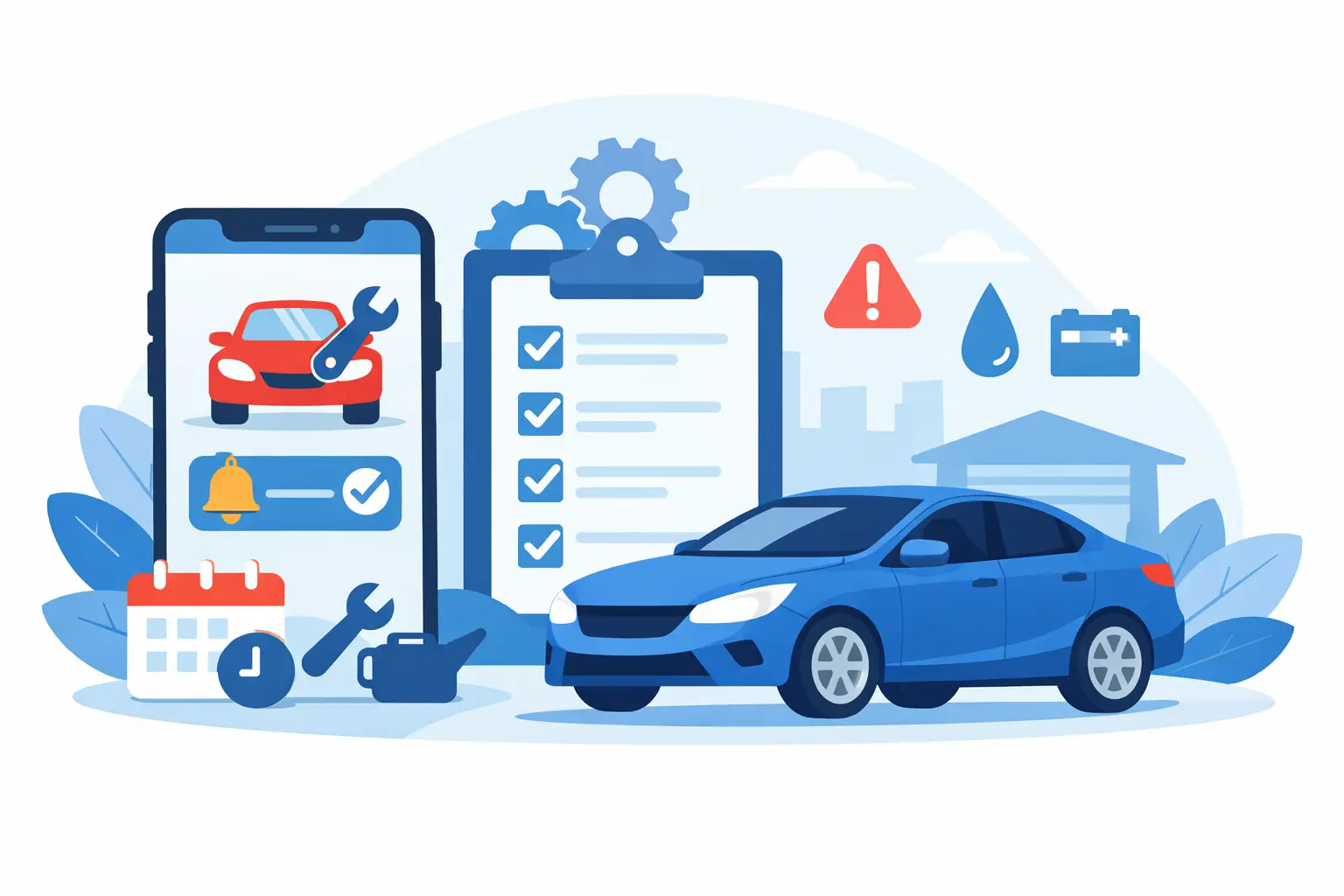
The service light comes on, the oil is way past its recommended mileage, and tire replacement got pushed to later. This scenario is familiar because vehicle maintenance usually relies on memory, papers stashed in the glove compartment, and messages lost in your phone. A maintenance reminder app changes this routine by turning dates, miles, and expenses into a clear history, with alerts that arrive before a problem becomes an unexpected trip to the repair shop.
For those who drive only on weekends, this means less worry. For those who work with deliveries, ride-sharing, or field service calls, it also means protecting your work tool, controlling costs, and reducing the risk of losing income due to delayed maintenance.
What a good car maintenance reminder app needs to handle
An isolated alert to change the oil helps, but it doesn't solve complete vehicle management. Maintenance has different schedules: some services depend on the date, others on mileage, and some require both criteria. A major service might be due at 10,000 miles, while your insurance renews on a fixed date and tire pressure checks need to happen more frequently.
That's why the ideal app lets you set reminders by date, odometer reading, or both. When you log your current mileage, the system can alert you to upcoming oil changes, tire rotations, brake inspections, or filter replacements. You don't need to know mechanics to use this feature. Just record what was done, when it was done, and what the mileage was at that moment.
It's also worth looking for an app that keeps each service linked to the right vehicle. A household with two cars and a motorcycle, for example, shouldn't mix expenses or alerts. Similarly, a small business managing vans or pickup trucks needs to quickly see what's pending on each unit.
The benefit isn't just in getting a notification. It's in understanding why it came, what the last service was, how much it cost, and whether that expense is repeating more often than it should.
Alerts prevent delays, but history guides decisions
Oil changes are the most famous example, but a useful record goes beyond them. Oil, pads and brake discs, battery, belts, alignment, insurance, registration, washing, parts, and labor are all part of the real cost of owning a vehicle. When each item is scattered across receipts and conversations, comparing periods and spotting patterns becomes exhausting.
By centralizing your information, you can answer practical questions. How much was spent on maintenance in the last six months? Which vehicle in the household needs the most repairs? Did fuel consumption increase after a mechanical problem? Is one car's cost getting too high for how little you use it?
This history also helps when selling. A buyer tends to trust a vehicle with services recorded by date, mileage, and description more than promises that it "was always well maintained." It doesn't guarantee a higher price by itself, since overall condition, market, and documentation also matter, but it provides evidence of care and makes the conversation easier.
There's an important limit: reminders don't replace professional inspection or the manufacturer's manual. If you hear noise, feel vibration, notice a leak, lose power, or see a warning light on the dash, don't wait for the next notification. The app organizes prevention, but safety symptoms need proper evaluation.
How to set up the app to actually work
The best system is one that fits your routine, not one that creates an impossible list to maintain. Start by entering basic information: vehicle model, year, license plate or internal ID, and current mileage. Next, add the most recent services you're confident about. If you don't know the exact date of a service, record an estimate and confirm it at your next shop visit.
Then set up your priority reminders. For most cars, start with oil and filter, tires, brakes, battery, regular service, insurance, registration, and inspections required in your area. Use your manual as a reference for recommended intervals. On older vehicles, those driven on harsh roads, or those that work every day, the interval may need closer monitoring.
The third step is to log expenses as they happen. Don't wait until month-end. A small forgotten expense seems irrelevant, but several of them distort your view of total costs. Include the amount, category, mileage, location of service, and when it makes sense, a note about the part or problem found.
Finally, keep your odometer reading current. You don't need to do this after every trip. Recording at fill-ups, during service, or weekly provides enough data for mileage-based alerts to be reliable. Those who drive a lot for work can update daily or import fuel records for more precise tracking.
For drivers who work, maintenance is an operating cost
Those who use their vehicle to earn income can't just look at the money coming in from rides, deliveries, or services. Real profit depends on what's left after fuel, maintenance, tires, insurance, taxes, washing, tolls, and unexpected repairs. A high earning week can hide expensive, unsustainable operations.
In this case, the app should let you record both income and expenses in one place. That way, it's easier to compare revenue against cost per vehicle and notice whether certain routes, times, or types of work are demanding too much from the car. An increase in fuel consumption, for example, might just be traffic, but it could also mean underinflated tires, a need for alignment, or a mechanical fault.
Looking at results by period helps you decide without relying on feelings. Maybe it's time to review your rates, set aside a maintenance reserve, replace a part before it causes bigger damage, or evaluate whether continuing with that vehicle makes sense. There's no universal acceptable cost number: it varies by city, type of work, financing, vehicle, and workload. The point is to have data to decide with.
For families and small fleets, sharing prevents confusion
In a household, more than one person may drive the same car. In a small fleet, a vehicle passes through different drivers and people responsible. Without a shared record, one person schedules service, another takes the car to the shop, and nobody records what was replaced. Months later, no one knows if the filter was swapped or just recommended.
Sharing vehicles organizes this responsibility. Each authorized person can check upcoming services, log fill-ups, or add information from maintenance. Management depends less on one person and the history stays available even as the car changes hands.
For a small operation, checklists can be more useful than they sound. A quick check of tires, fuel, lights, documents, and safety items before each use prevents simple failures that disrupt the day. It's not red tape when the vehicle is part of operations: it's a way to standardize basic care.
When to look for features beyond reminders
New users might do very well with service logging, alerts, and expense tracking. Those who like to stay on top of their car can benefit from OBD2 diagnostics, with fault code reading features. This tool helps you understand what's showing on the dash and log issues, but shouldn't be treated as a final diagnosis. The code points to an area to investigate; the cause may require testing and mechanic evaluation.
Features like syncing between phone and web browser are especially useful for those managing multiple vehicles or who prefer entering expenses on a larger screen. Integration with CarPlay and Android Auto can make safe checking easier when parked, but driving should stay the focus. Never set up alerts or review data while behind the wheel.
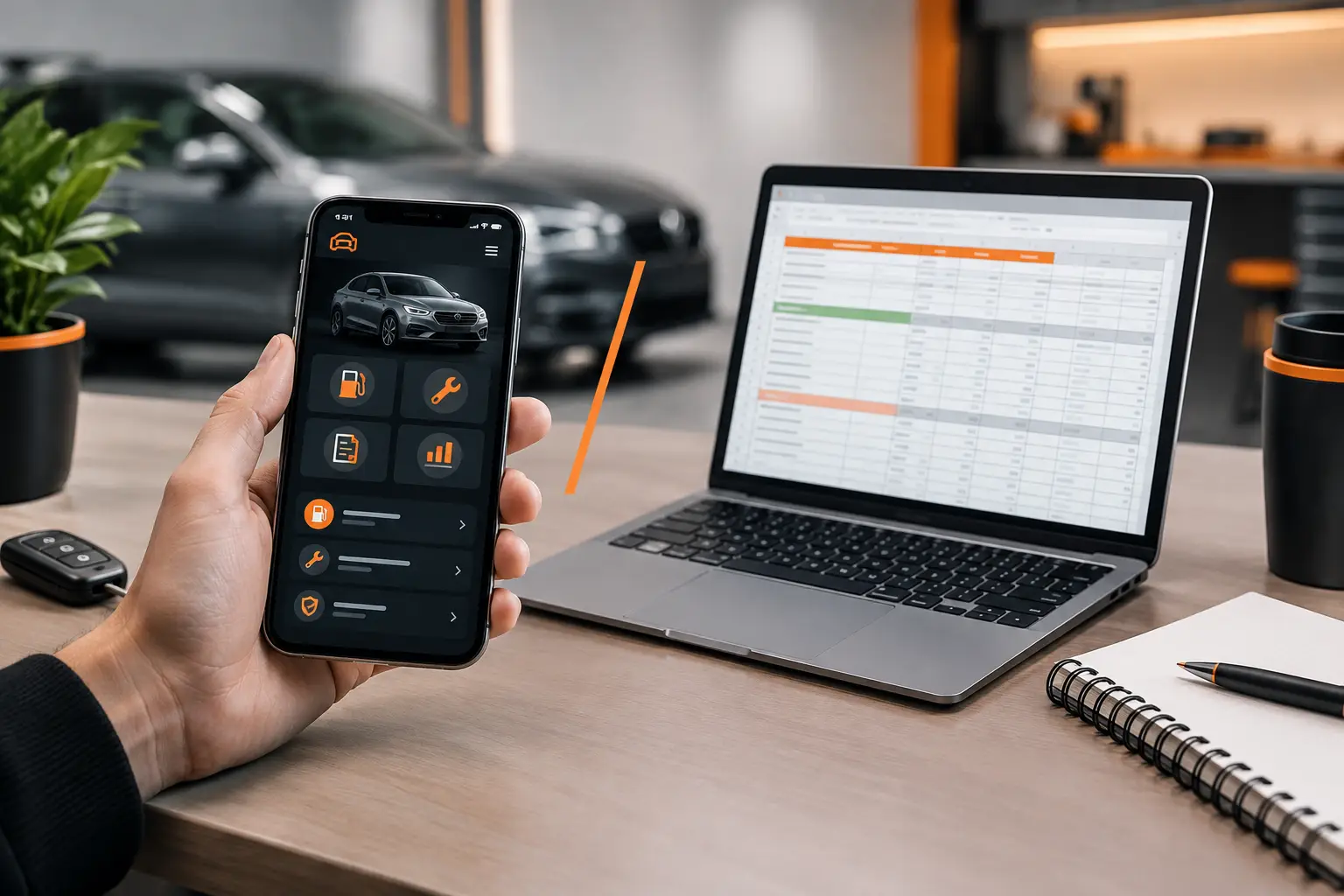
Mine Garage brings together reminders, maintenance history, fuel, expenses, income, sharing, and diagnostic tools in one record. This eliminates constantly switching between spreadsheets, calendars, receipts, and different apps, without making the routine more technical than it needs to be.
The best time to start isn't after the next breakdown. Log the mileage on your dash today, record the last service you remember, and schedule the next essential care. In a few minutes, your vehicle stops depending on memory and gets a routine that helps you drive with more confidence.